Private photo books, made locally
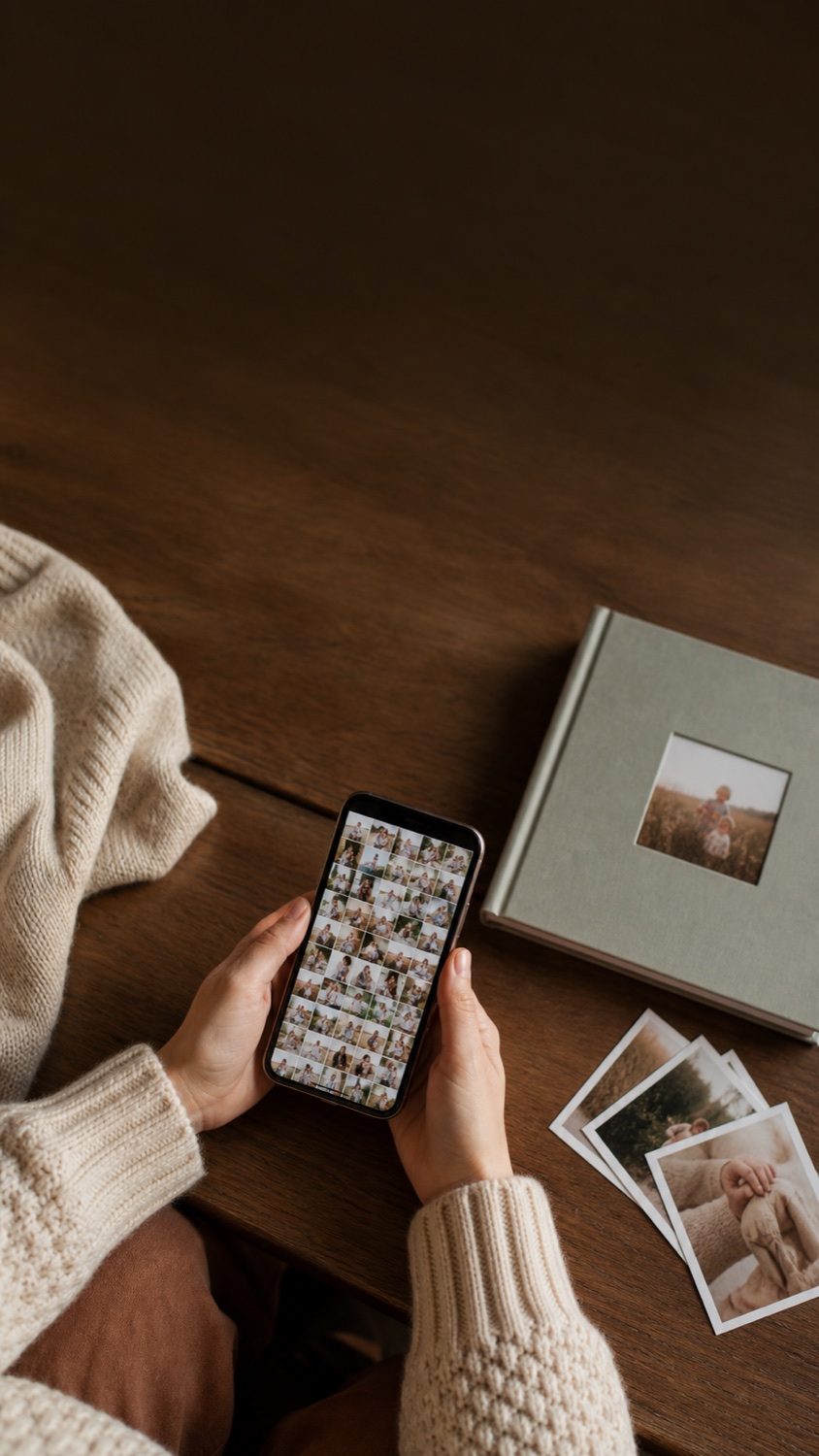
Your camera roll has the photos.
BabyBook shapes the story.
Choose the moments that matter, start with a complete first draft, refine every page, and export a printable PDF—without handing family photos to another cloud service.
- No account
- No ads or tracking
- No automatic uploads
01 From thousands of photos
to one story worth keeping.
Free to downloadTry the complete workflow first
One-time Personal ProNo recurring subscription
iPhone + MacBuild and refine at your own pace
Data Not CollectedDeclared on the App Store
A calm path from photos to book
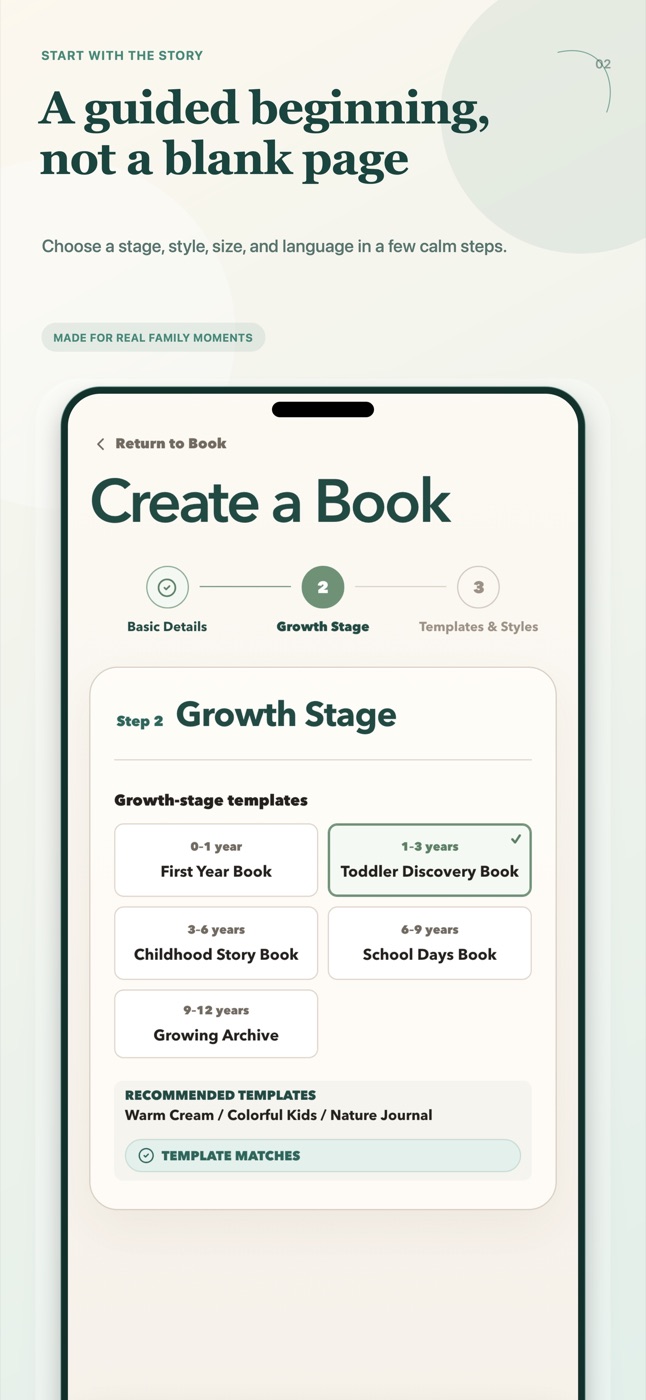
Start with the story,
not a blank canvas.
BabyBook does the organizing work first. You stay in control of the memories, writing, and final pages.
-
01
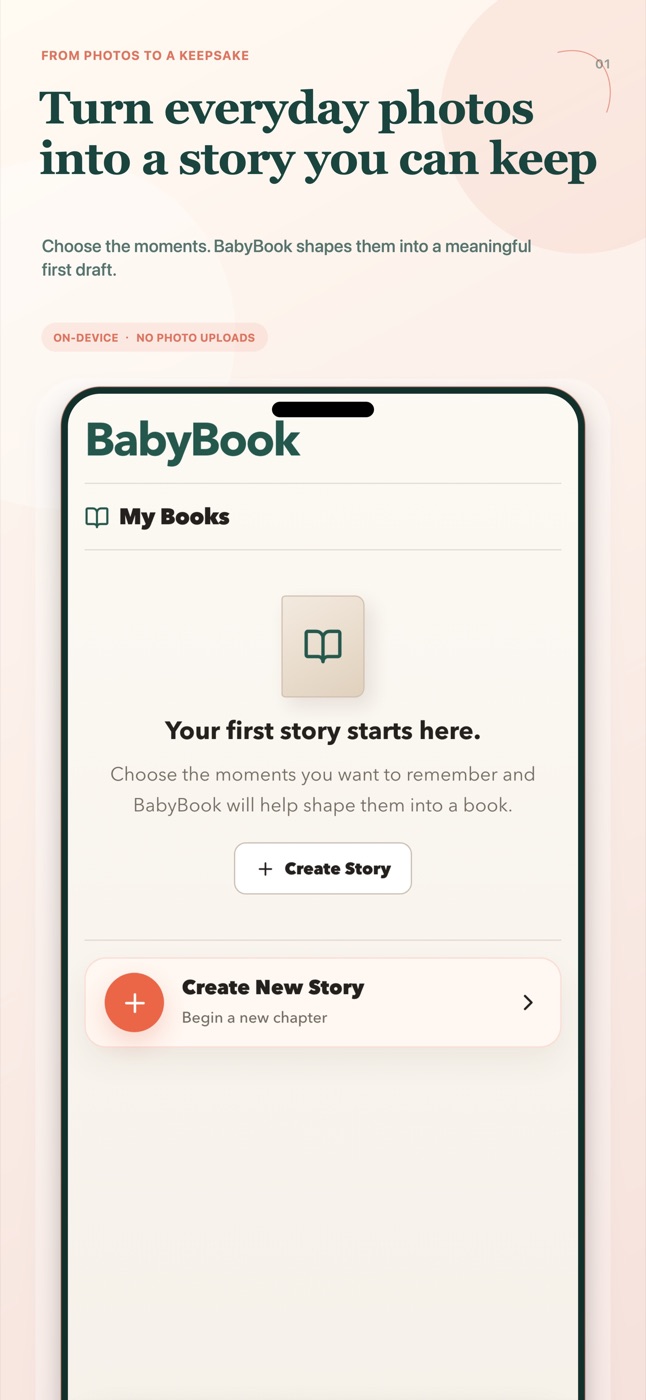
Choose moments
Review the camera roll, keep the photos that matter, and organize everything locally.
-
02
Start with a draft
BabyBook turns selected memories into a book-shaped first draft with a clear page rhythm.
-
03
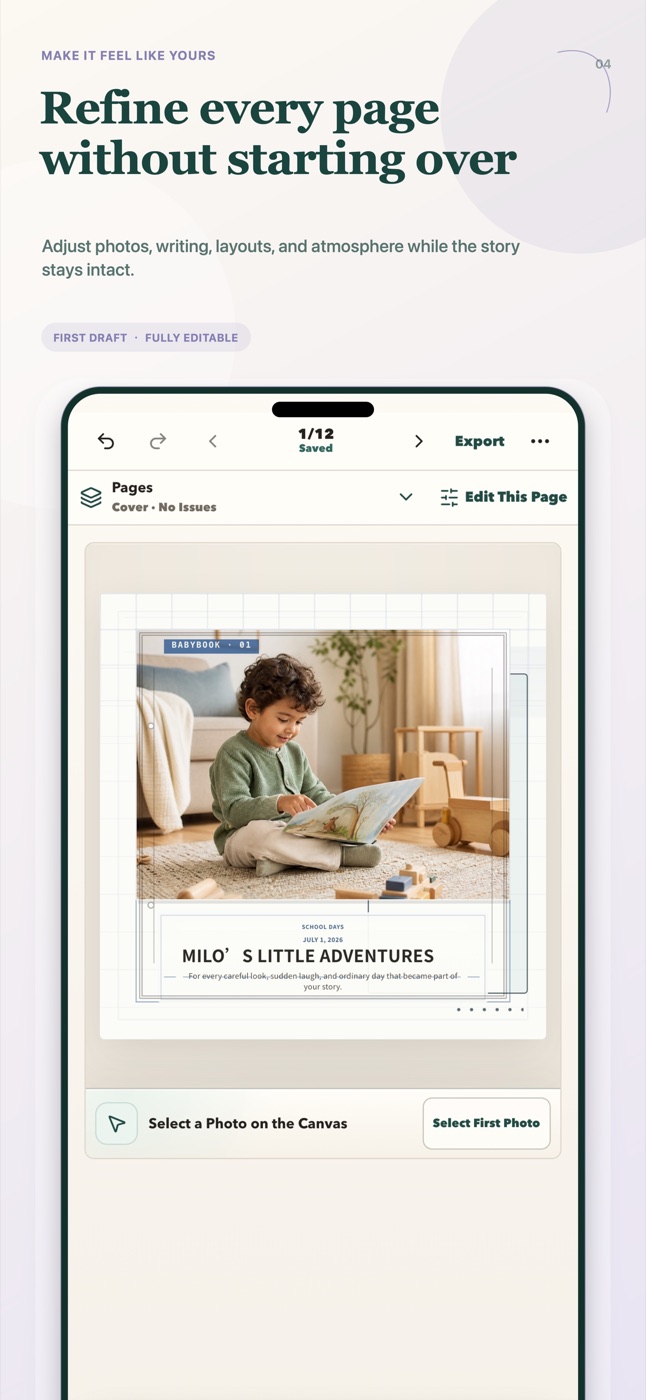
Refine every page
Adjust photos, words, layouts, backgrounds, and page order with touch-friendly controls.
-
04
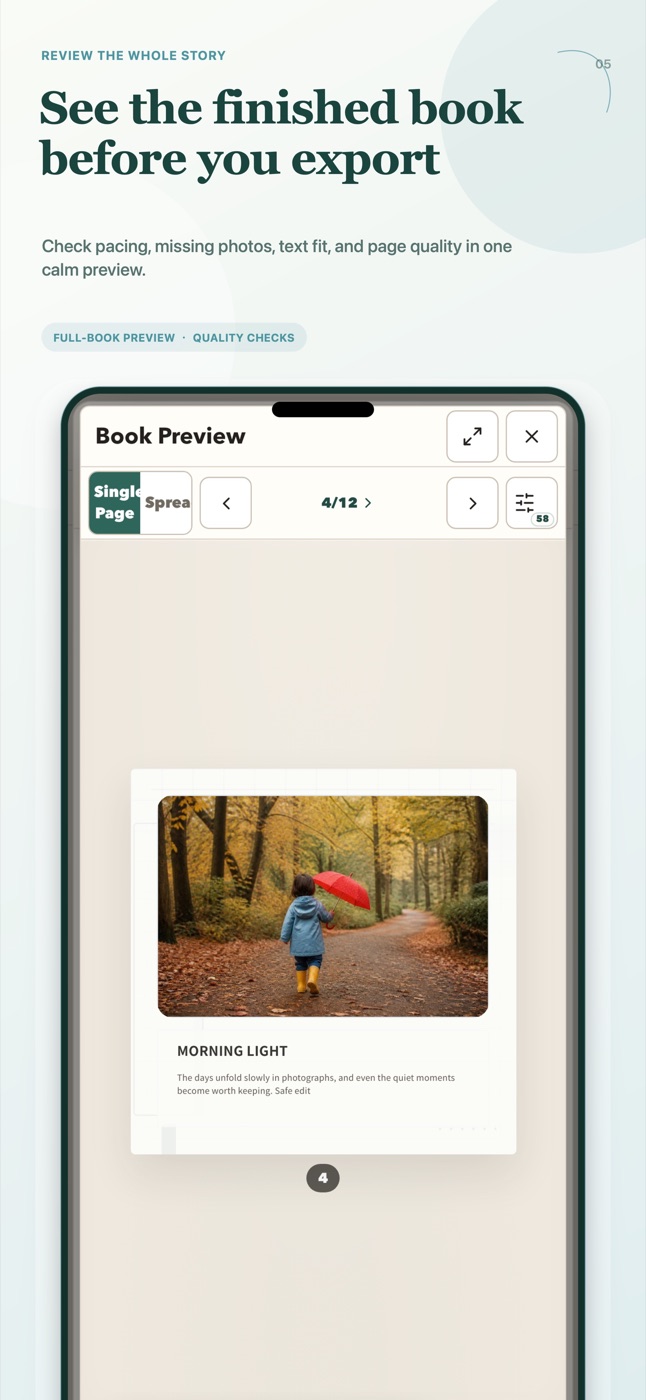
Keep it for real
Review print warnings, export a PDF, save a portable backup, and print wherever you choose.
Private by default
Family photos should stay in the family’s hands.
Photo selection, book content, layout, preview, and PDF export stay on the current device by default. BabyBook requires no account and contains no advertising or cross-app tracking.
Read the plain-language Privacy Policy- 0
- accounts required
- 0
- advertising trackers
- 0
- automatic photo uploads
- You
- decide when a file leaves the device

Made for first years, school years,
family milestones, and thoughtful gifts.
More than another photo folder
Make growing up into something you can hold.
Camera rolls preserve files. A book preserves the way those moments belong together.
- Covers, timelines, collages, milestone pages, and family notes
- Image-resolution and text-overflow checks before export
- Editable books and portable
.babybookbackups - Free sample PDF before choosing Personal Pro
Before you begin
Questions parents ask
Does BabyBook upload my photos?
No. Photo analysis and book creation run on your current device by default. Files leave the device only when you choose a system save, share, backup, or support action.
Do I have to start from a blank page?
No. Choose photos and a story direction, then BabyBook creates a structured first draft that you can refine page by page.
Can I try it before paying?
Yes. The free download includes the core editing workflow and a low-resolution sample export. The optional Pro trial begins only when you choose it and does not charge automatically.
Can I print the finished book?
BabyBook exports a PDF that you can archive, share, print at home, or send to a print provider of your choice. Physical printing is not ordered inside the app.
The photos are already there
Now make the book.
Download BabyBook for iPhone and Mac. Start free, keep your memories local, and export when the story feels right.